MOVING HOME JUST GOT EASIER
Boxes to unpack, furniture to shuffle, lightbulbs to test—moving takes enough effort. So, we’ve made getting your internet sorted simple. If your new place is nbn-ready, download the Exetel app and you can activate your service remotely in under an hour. Not connected? Book a tech visit from move-in day, and we’ll have you online before the last box is unpacked.
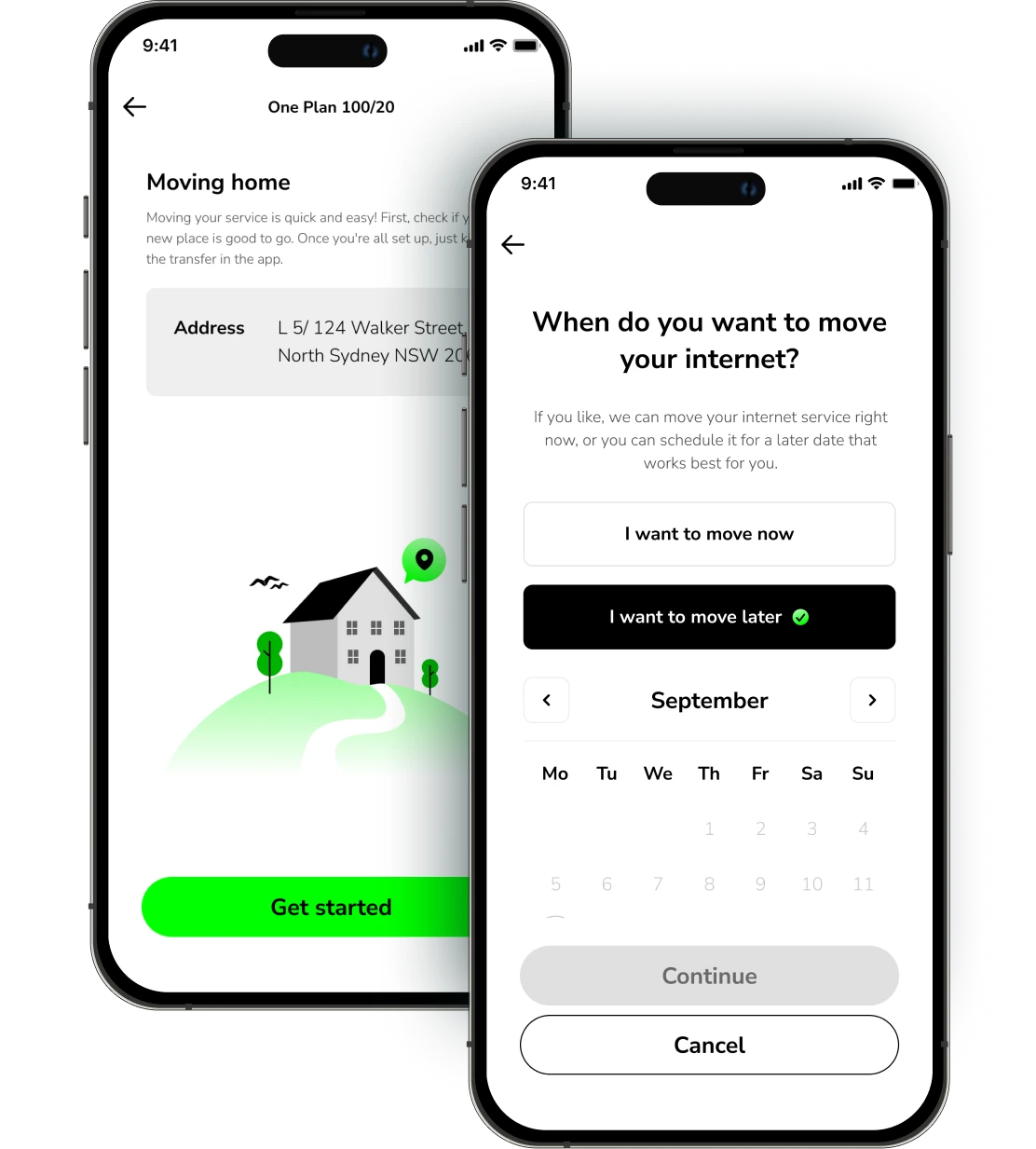
Moving your internet has never been easier. Activate remotely and monitor your internet status from the palm of your hand.
Pop your new address into the app to check available nbn technology and see if you can transfer your current plan.
Check if there's an nbn connection box (NTD) at your new place. It'll save time on move-in day.
Take your modem with you—it’s yours. But the nbn connection box? That stays put.
If you don’t need a tech visit, place your move order for the day you arrive. Activation takes less than an hour.
Moving your service in the Exetel App
Start your move
Open the Exetel App and enter your new address to begin the relocation process.
Choose your move date
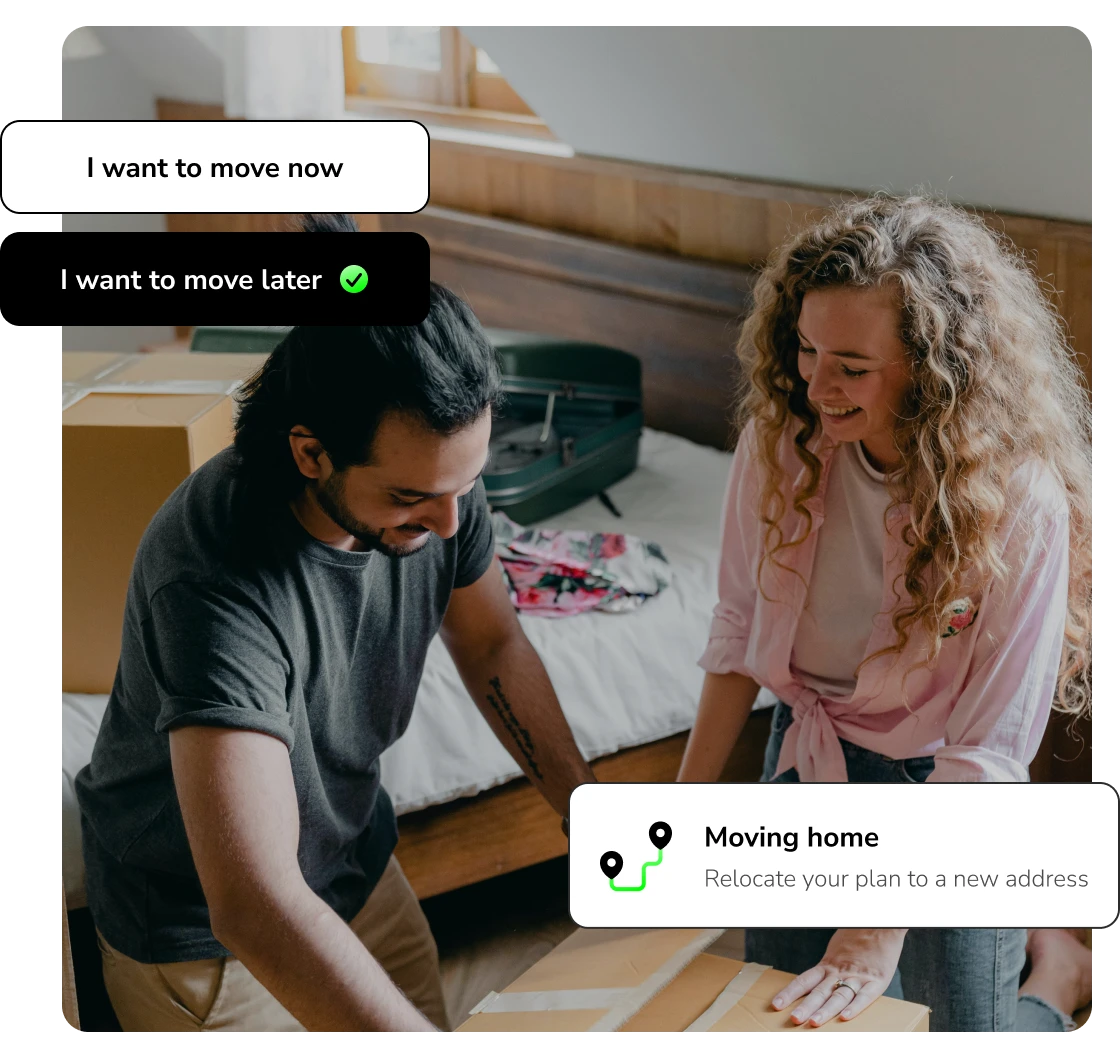
If activating your service remotely is an option, you can pick your move date, or we’ll get you online straight away. Need a technician? Book ahead to lock in your move-in day. Change of plans? No stress, you can reschedule in the app.
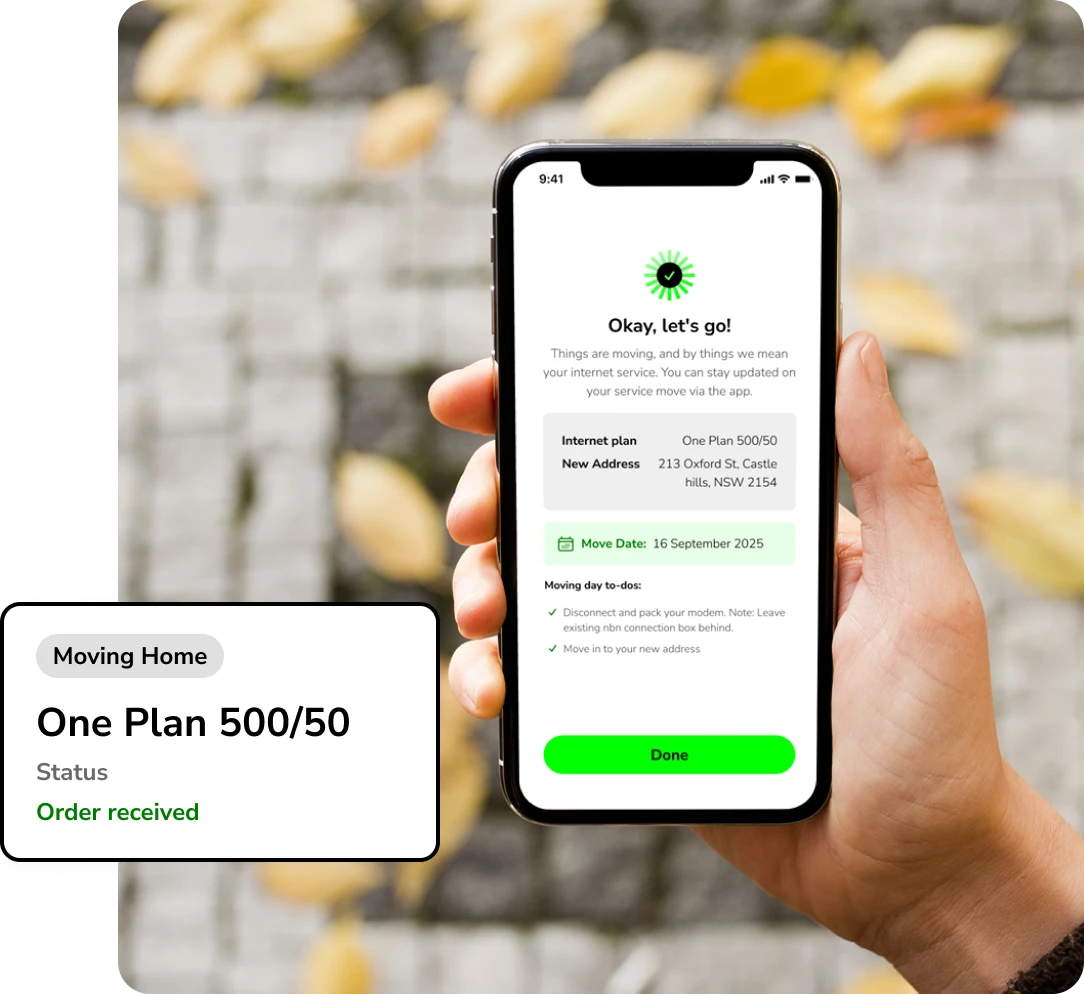
Track and manage via the app
All updates on your technician appointments, self-install kit tracking details, and proposed completion times can be found in the ‘activity tracker’ on the app's home screen.
Move-in day
Reminder!
Take your modem with you but leave the nbn connection box behind.
Quick setup hacks
Swing by the Exetel Support Centre for fast tips to make sure your kit is set up correctly.
Get the Exetel app
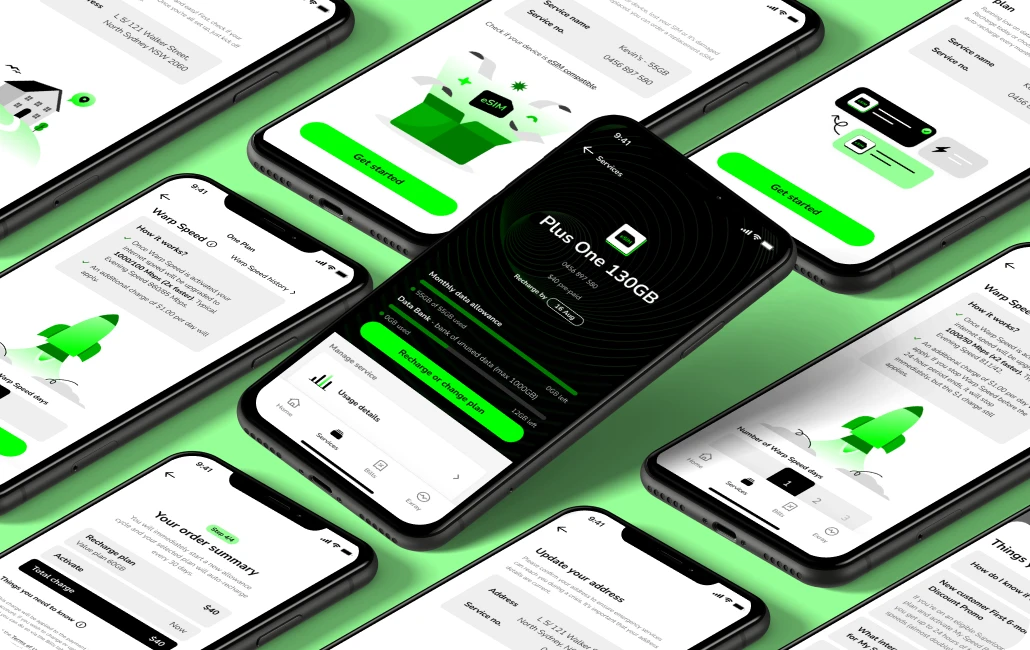
Download the Exetel app to activate your eSIM, upgrade your internet speed with Warp Speed, dial down your internet service with Hibernate, keep track of your bills and much more.
Everything you need to know
How much notice should I give Exetel before moving?
How long till your internet’s up and running?
Is a technician appointment required?
Do I need to be home for installation?
Do I need to take the nbn connection box (NTD) with me?
What happens if the nbn connection box (NTD) is missing once I move in?
Accidentally took your nbn connection box with you?
If I’m renting, do I need approval from my landlord to install nbn equipment?
What do I do if I’m moving into a new build that’s not nbn-connected?
Can I upgrade to nbn fibre when I move in?
What if my new address doesn't appear on the check address tool?
What happens if the One Plan is unavailable at my new address?
Need to cancel or delay your move?
Do I need to take my modem and extender to the new address?
What happens if I have a mobile service with Exetel as well.
Will my medical, security or fire alarm work over the nbn network?
Are there any fees to move my nbn service?
How does billing work when I move?
What happens to Warp Speed and Hibernate while moving home?
Does my billing date change?
Can I keep my service running at my old and new addresses for a few days?
© Copyright 2026 Exetel Pty Ltd. All rights reserved.